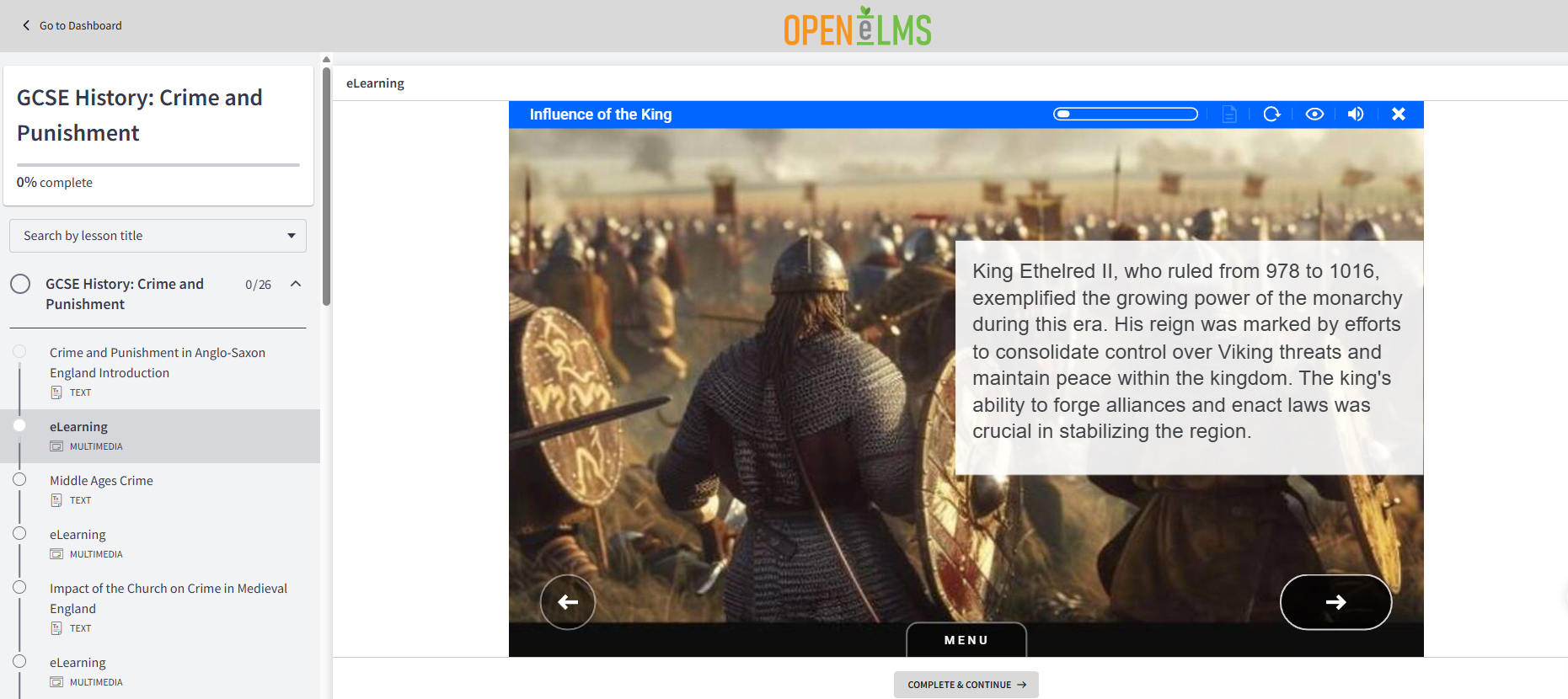
If you're creating e-learning content with Open eLMS AI and looking for a simple way to sell your courses, this guide is for you. We’ll walk you through how to upload and monetize your modules using Thinkific—a powerful platform designed specifically for course creators.
Step 1: Get Started with Thinkific
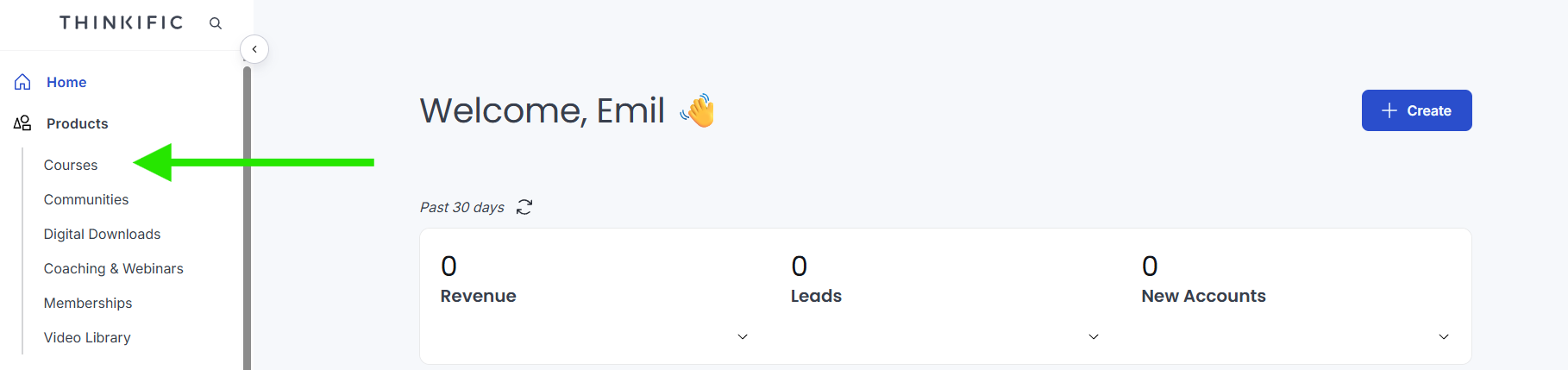
Head to Thinkific.com and sign up for a free trial. Once logged in, your dashboard provides an overview of your activity—including revenue, new student accounts, leads, and your products.
In Thinkific, "products" refer to the learning materials you want to sell. These can include:
- Structured Courses
- Communities
- Digital Downloads
- Memberships
- Video Libraries
For this guide, we'll focus on courses, as they are the ideal format for structured e-learning.
Step 2: Create Your First Course
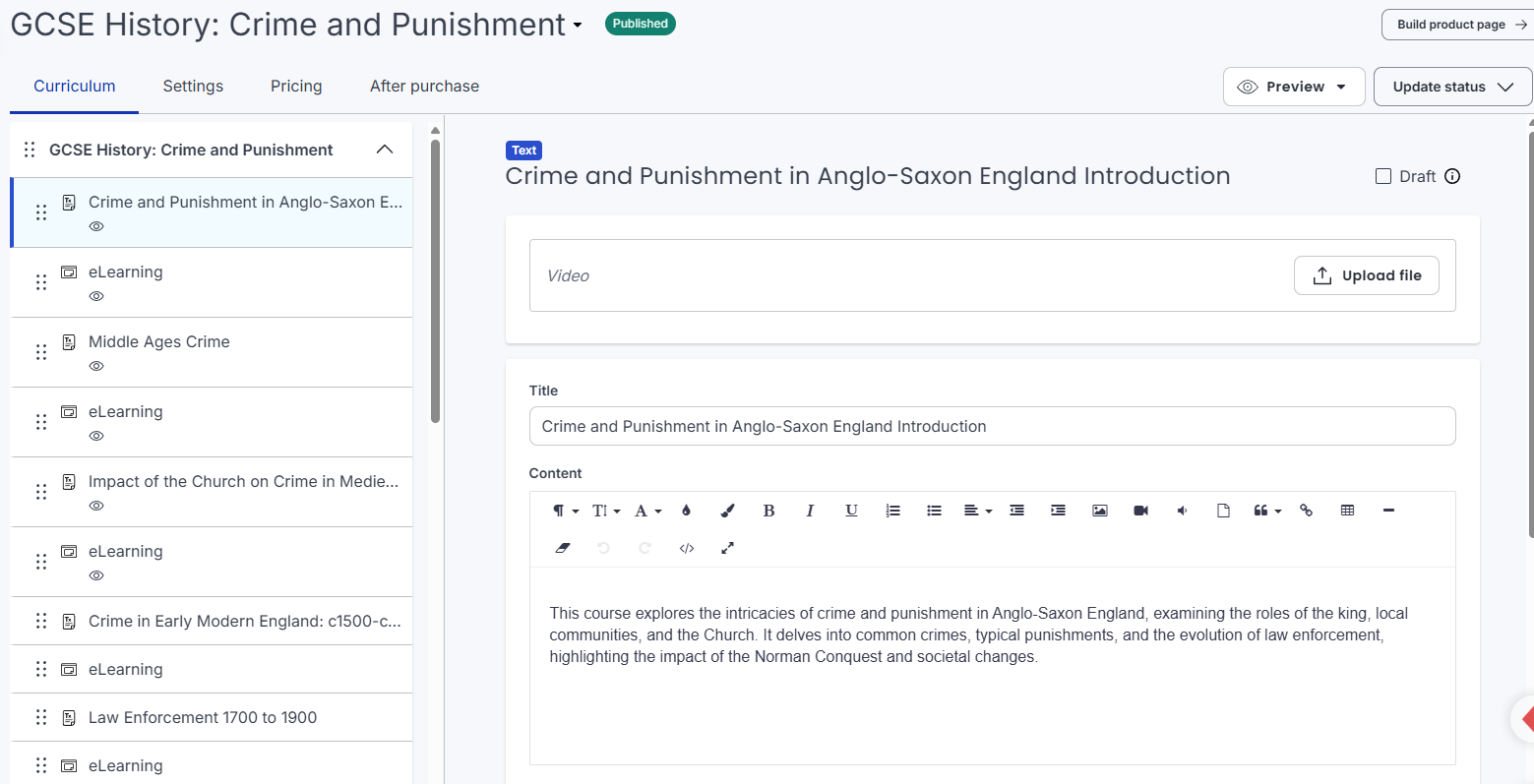
In this example, we've created a course titled "GCSE History: Crime and Punishment." This course bundles several e-learning modules generated through Open eLMS AI into a single package sold at a set price.

Thinkific simplifies monetization. You can set up a payment engine by entering your bank details directly—no complex third-party integrations required. This allows you to:
- Retain the majority of your earnings
- Avoid dependence on external marketplaces
- Build and own your own micro-business
Once your payment settings are configured, you're ready to upload your content.
Step 3: Add Lessons from Open eLMS AI
Thinkific courses are organized into lessons. We recommend the following structure:
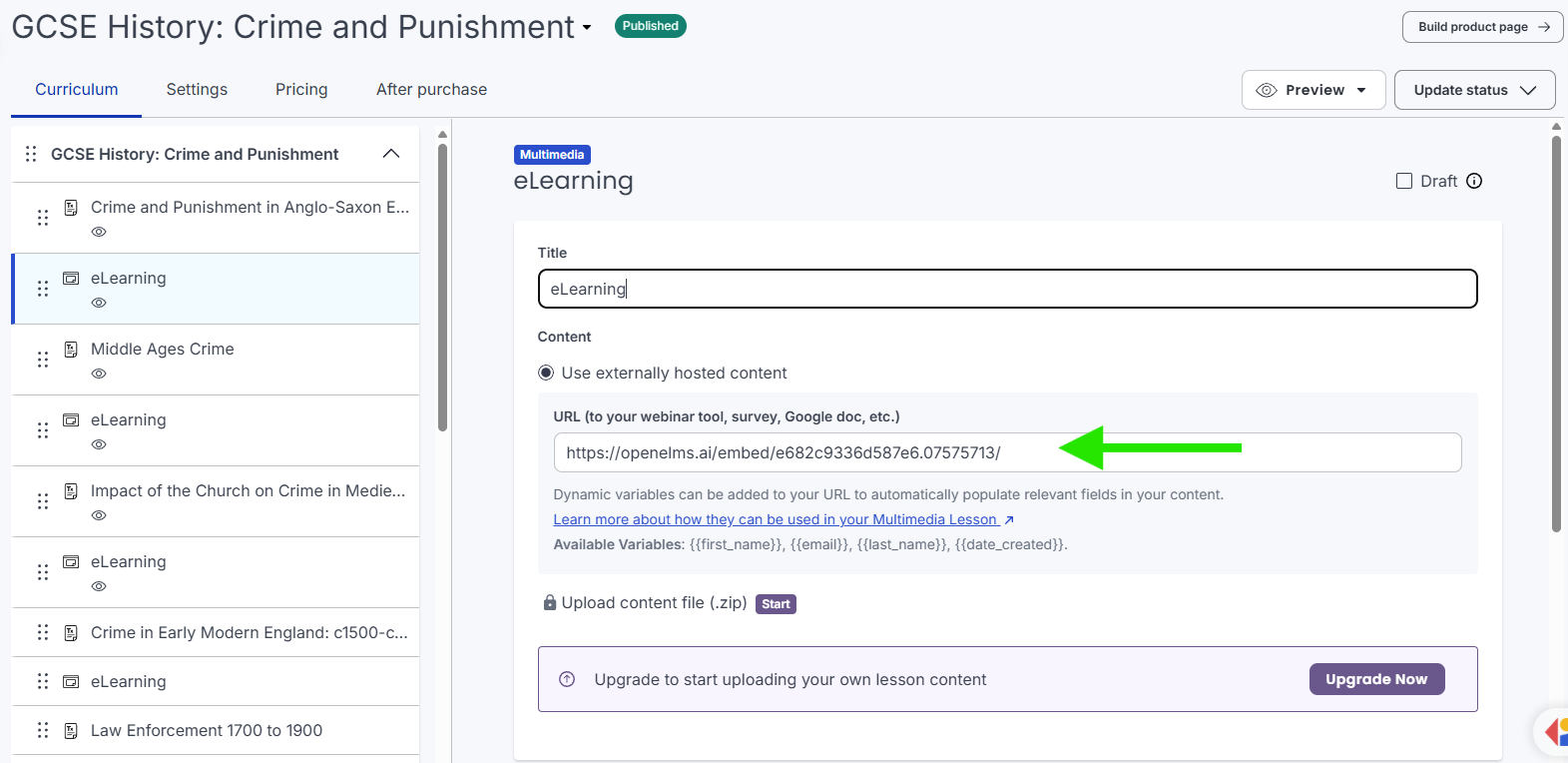
The first lesson should include the Title and an Overview, followed by a lesson containing the e-learning content via the URL generated by Open eLMS AI.
For example, a lesson structure might look like this:
- Title: Crime and Punishment in Anglo-Saxon England
- Overview: A brief introduction to the module's coverage
Followed by the E-learning module: The shared link from Open eLMS AI.
Repeat this structure for each topic—such as the Middle Ages, the impact of the Church, or media influence on crime. You only need these few simple elements for every lesson.
Step 4: Preview and Publish Your Course
Once your lessons are added, Thinkific makes it easy to preview the student experience. A typical course layout features:
- A navigation menu on the left-hand side
- An overview section for each module
- Embedded, interactive e-learning content
Learners can navigate the material seamlessly, enjoying the same professional experience as an enterprise e-learning platform.
Final Thoughts
By combining the power of Open eLMS AI for content creation with Thinkific for delivery and monetization, you can launch your own online learning business with minimal technical expertise.
Whether you're a teacher, trainer, or education entrepreneur, this setup offers an efficient, scalable way to package and sell your knowledge.
Have questions or feedback? We'd love to hear from you. Happy course-building!
Video Summary

Enjoy this article?
Explore more insights on AI, eLearning, and training technology.
View All Articles